| Specification | ||
| Frequency | 13.5Mhz | 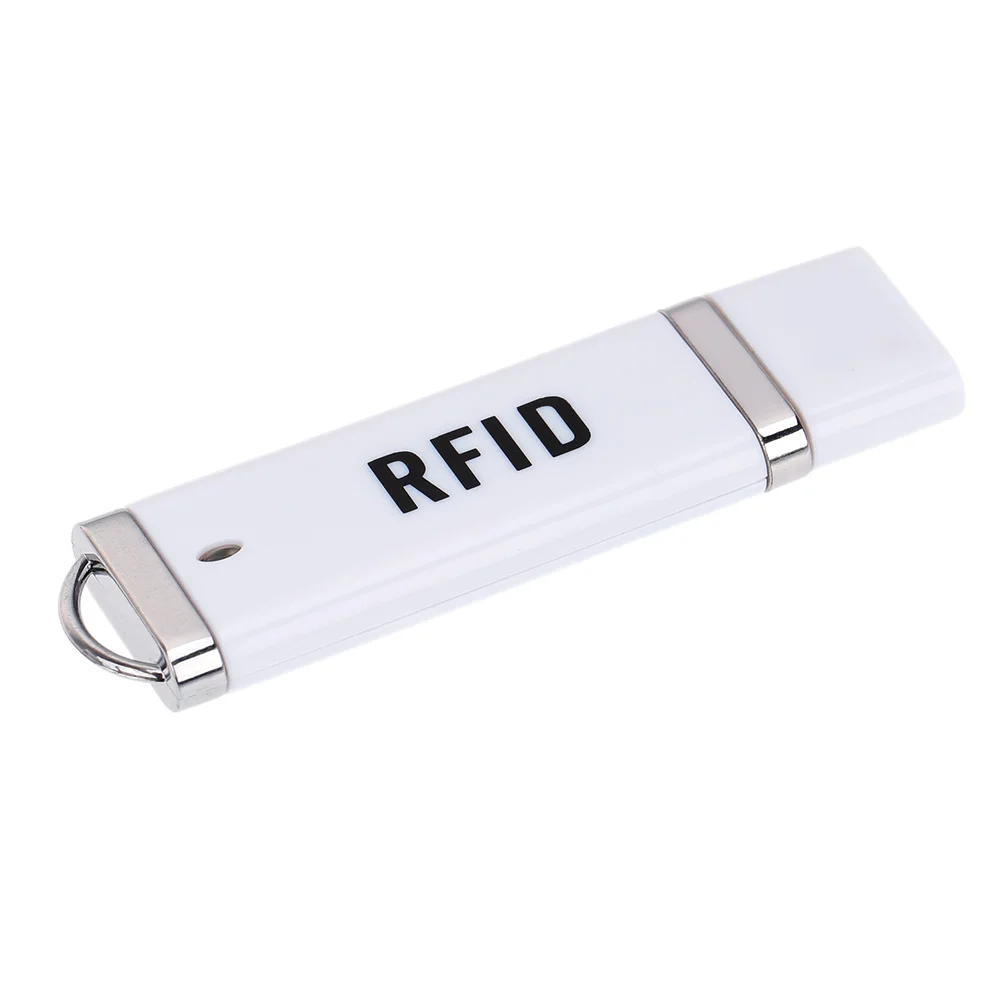 |
| Support Read chip | TK4100/ TK4200/EM4100/EM4200 | |
| Speed | 106Kbit/s | |
| Reading distance | 1-10cm | |
| Power supply | DC 5V(±5%) | |
| Current | <100Ma | |
| Interface | USB | |
| Indication light | 1 DUAL LED,1 BUZ | |
| Working temperature | -10 ~ +70 degree | |
| Storage temperature | -20 ~ +80 degree | |
| Max. humidity | Relative humidity 0 ~ 95% | |
| Size | 75 x 21 x 7mm | |
| Operation system | WindowsMacintoshLinuxAndroid | |
How to USE ?
1. Connect the RFID USB Pen Reader to the computer USB port.
2. The reader will ‘drip’ sound and flash about that power successfully, and then half a second after the ‘drip’ sound and flash about that device selftest successfully, without Install any drivers, windows will automatically recognize it.
3. Open one EXCEL or WORD ,the card number would be input by itself .Connect USB pen reader to OTG cable , OTG cable to smartphone , open any file can type letters, the card number would be input by itself.
| Specification | ||
| Frequency | 125KHZ | |
| Support Read chip | TK4100/ TK4200/EM4100/EM4200 | |
| Speed | 106Kbit/s | |
| Reading distance | 1-10cm | |
| Power supply | DC 5V(±5%) | |
| Current | <100Ma | |
| Interface | USB | |
| Indication light | 1 DUAL LED,1 BUZ | |
| Working temperature | -10 ~ +70 degree | |
| Storage temperature | -20 ~ +80 degree | |
| Max. humidity | Relative humidity 0 ~ 95% | |
| Size | 75 x 21 x 7mm | |
| Operation system | WindowsMacintoshLinuxAndroid | |
How to USE ?
1. Connect the RFID USB Pen Reader to the computer USB port.
2. The reader will ‘drip’ sound and flash about that power successfully, and then half a second after the ‘drip’ sound and flash about that device selftest successfully, without Install any drivers, windows will automatically recognize it.
3. Open one EXCEL or WORD ,the card number would be input by itself .Connect USB pen reader to OTG cable , OTG cable to smartphone , open any file can type letters, the card number would be input by itself.